
Real-time Monitoring
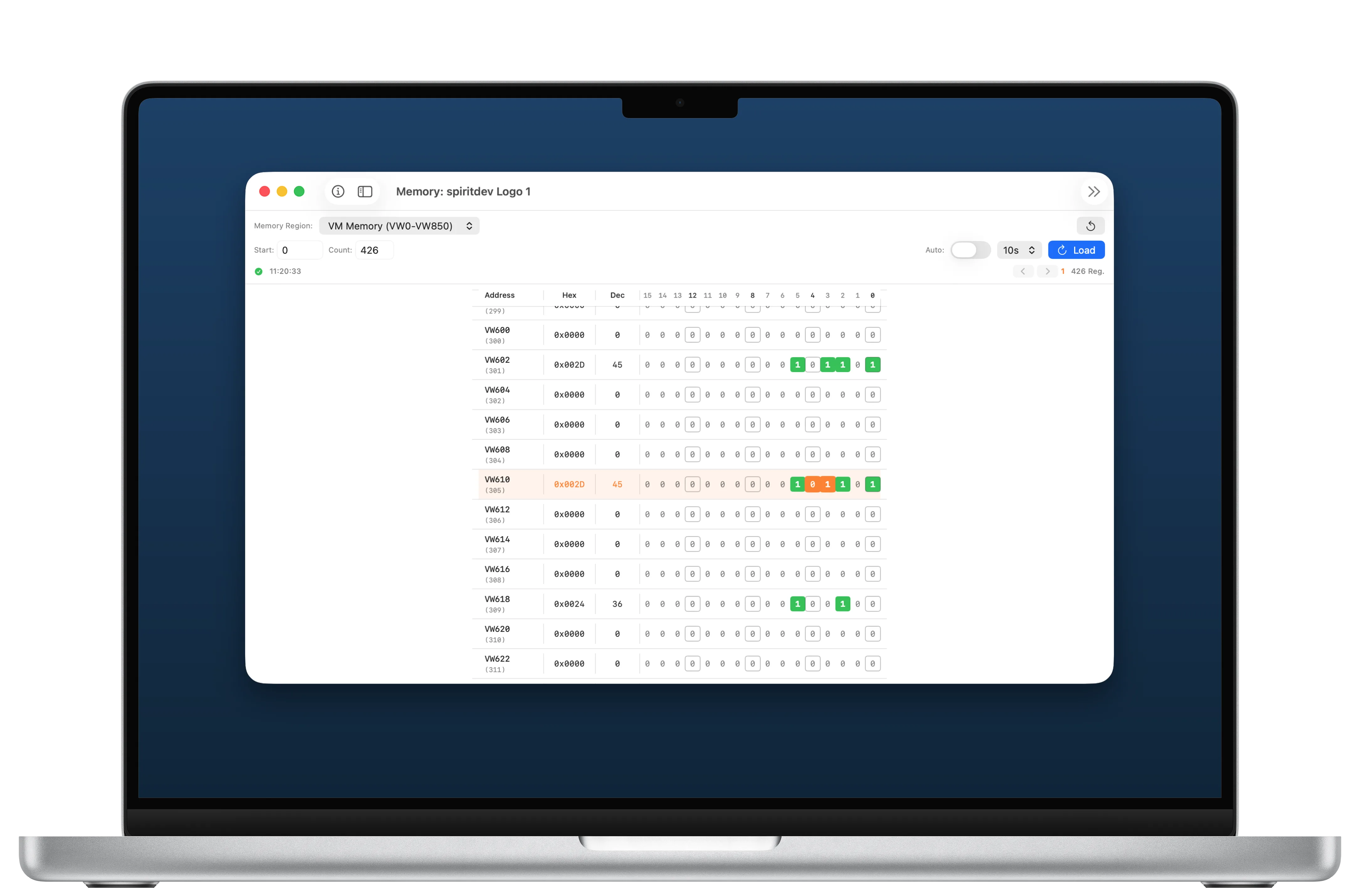
Auto-refresh from 0.5 to 10 seconds, without requests piling up. You can watch a controller while it works.
Monitor and analyse your Siemens LOGO! PLC memory in real time via Modbus/TCP. Available for Mac, iPhone, iPad and Android.


Reading is free · writing unlocked once · no subscription
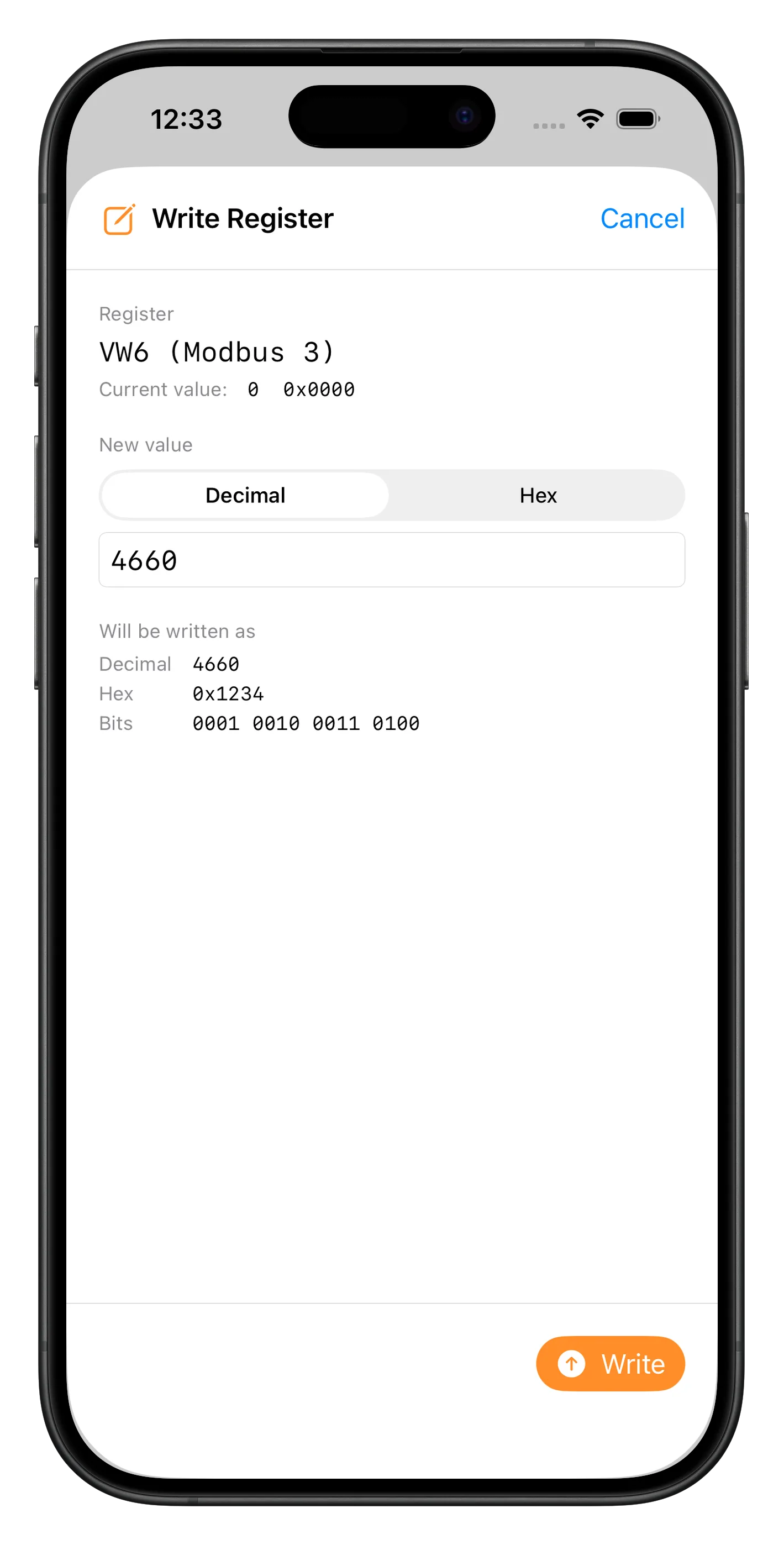
Write a holding register straight from the memory view and watch in the same window how the controller reacts. Changes are highlighted while they happen.
Because writing moves real machinery, it takes two steps on purpose: switch on write mode, check the value, confirm. If you are commissioning for hours, turn the prompt off for the session. It is back the next time you open the view.
Pro Writing is the Pro function. Reading, watching and analysing stay free.
It has to be enabled deliberately and lapses on its own when you leave the view.
Decimal or hexadecimal. The preview shows both notations and the bit pattern.
The app checks what the PLC mirrors back and reports separately if the confirmation does not match the order.
Everything you need to monitor and debug your Siemens LOGO! PLC controllers.
Auto-refresh from 0.5 to 10 seconds, without requests piling up. You can watch a controller while it works.
Changed registers are highlighted in orange, counted, and you can jump between them with the arrow keys.
Manage multiple PLC stations with custom names and easily switch between them.
Full support for Siemens LOGO! 8 (0BA8) over Modbus/TCP. Earlier LOGO! generations have no Modbus interface.
View register values in hexadecimal, decimal and binary format simultaneously for detailed analysis.
Buy once, use everywhere: Mac, iPhone and iPad. Available in ten languages.
The Mac at the desk, the iPhone at the cabinet. And on Android the same app, phone or tablet.
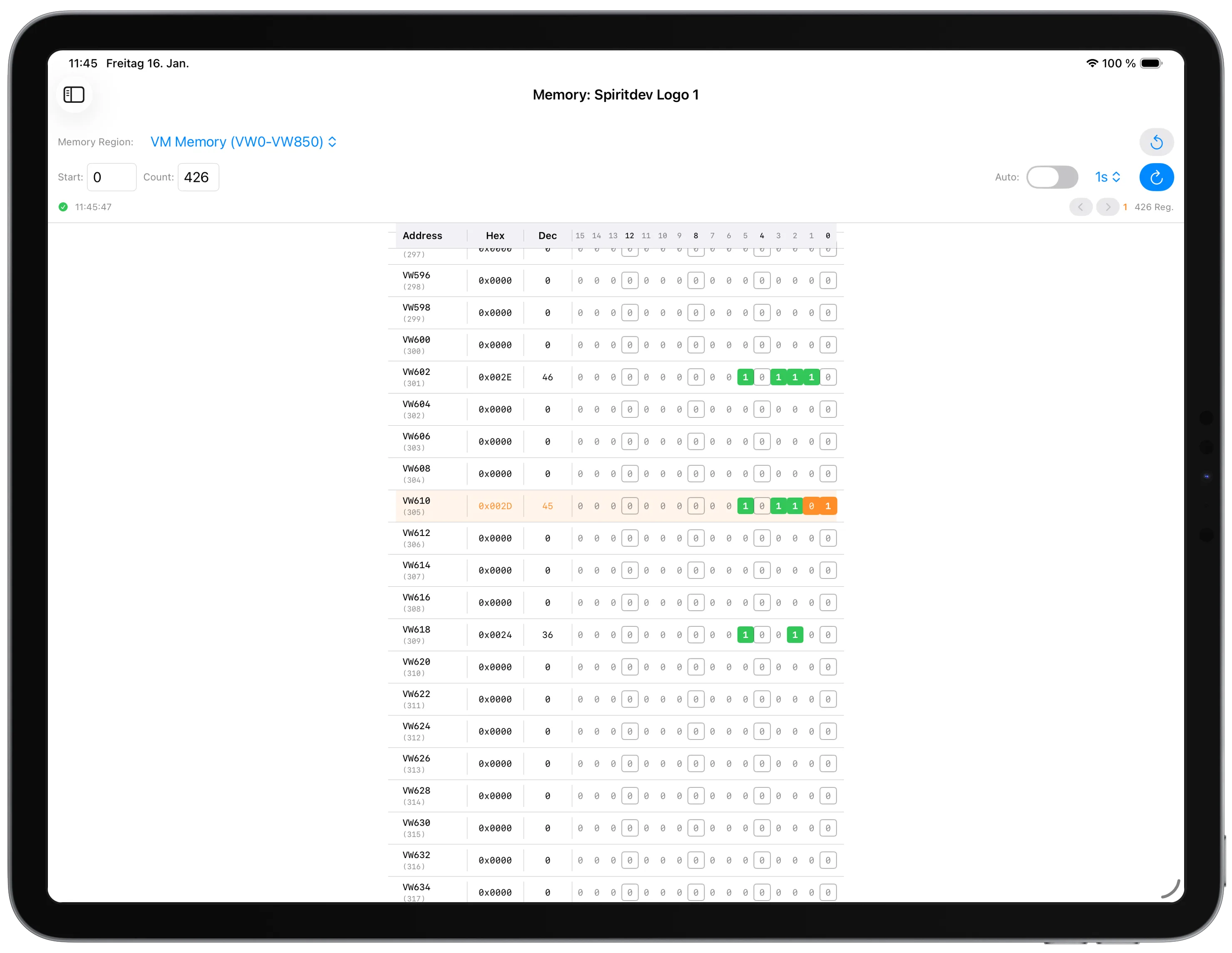
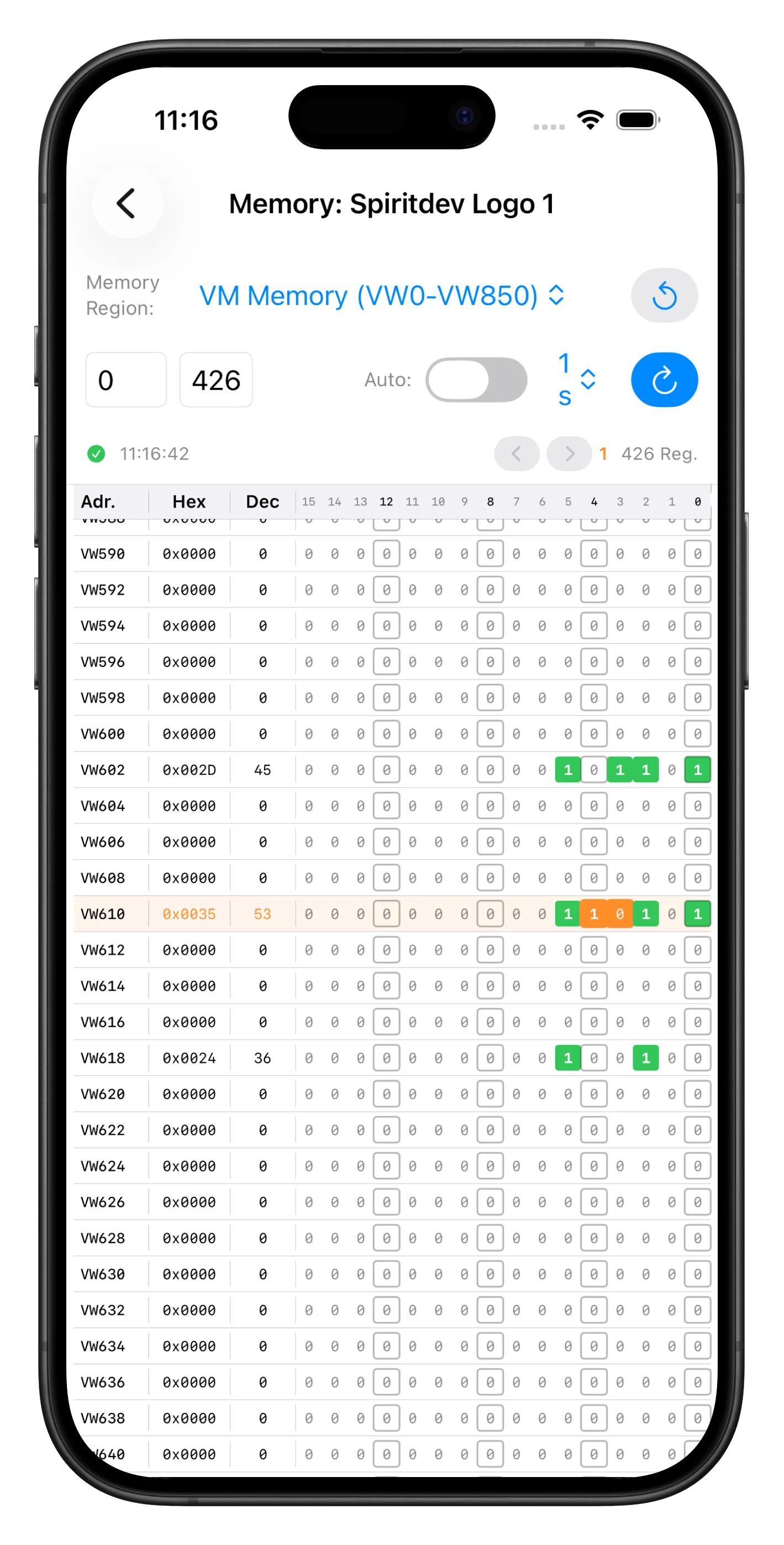
Available on macOS, iPadOS, iOS and Android
PLC-Inspector uses binary communication routines for the Modbus/TCP protocol developed by spiritdev. These routines have proven themselves in various industrial applications and guarantee reliable, fast communication with your PLC.
Learn more about spiritdevA diagnostic tool is only worth something if you can rely on what it shows.
Up to 125 registers in one go are reassembled correctly, even when the answer arrives split across several TCP packets.
A late response to an earlier request can never appear as a current value. In a diagnostic tool that is the worst possible error.
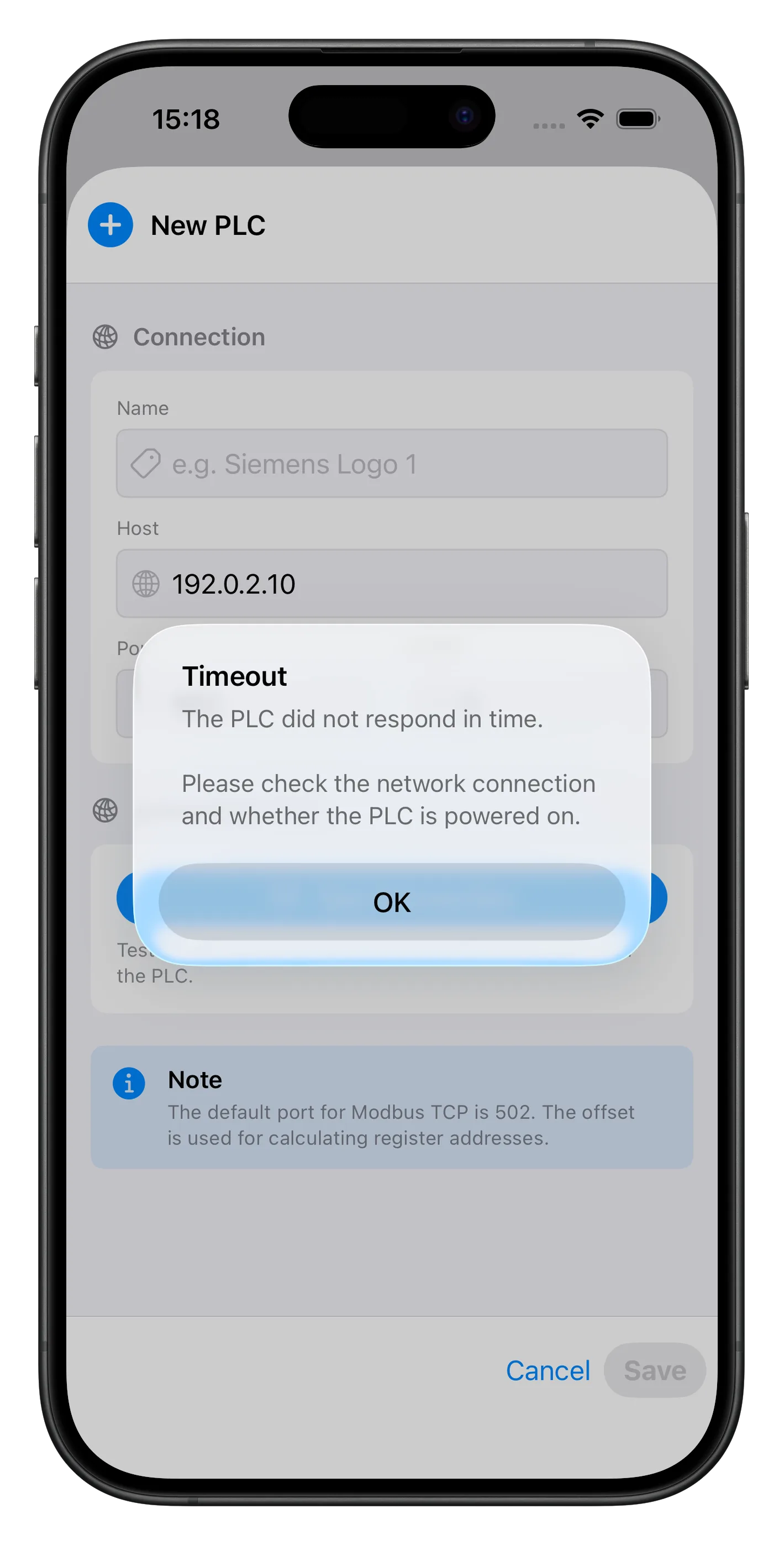
Modbus exceptions and connection problems are explained in words instead of an error number.
A LOGO! tolerates only a single TCP connection. The app respects that and queues its requests.
See PLC-Inspector in action.
The app is free. Only writing registers is behind a one-time purchase, because that is the part that moves real machinery.
Reading is free and stays free.
Writing registers is unlocked once.
No subscription and no account. On Apple one purchase covers Mac, iPhone and iPad. Your store shows the current price.
For Mac, iPhone and iPad in the App Store. For phone and tablet on Google Play.
Need help? Have questions or suggestions? We are here to help.